
Open your screenshots folder and scroll. Somewhere in there is a boarding pass from a trip you already took, a recipe you were going to make, a confirmation number for something you either already resolved or completely forgot about, and a screenshot of a screenshot, because at some point you lost track of what was already saved. 📸
Nothing in a screenshots folder was ever meant to live there long-term. Every single one was a fast, in-the-moment capture — an "I'll deal with this later" reflex — and none of them ever got the "later" part. That's not a filing problem. That's hundreds of tiny unfinished decisions, sitting in chronological order instead of any order that actually helps you.
A screenshot is a decision you postponed at the speed of a button press. The folder is just where all those postponements pile up.
Why this one hides better than the others
A screenshots folder is sneakier than an inbox or a bookmarks bar, because it never announces its size the way those do. There's no unread count. No red badge. It just quietly becomes one of the largest things on your phone while you're busy scrolling past it looking for an actual photo, never once stopping to register how much is actually piled up back there.
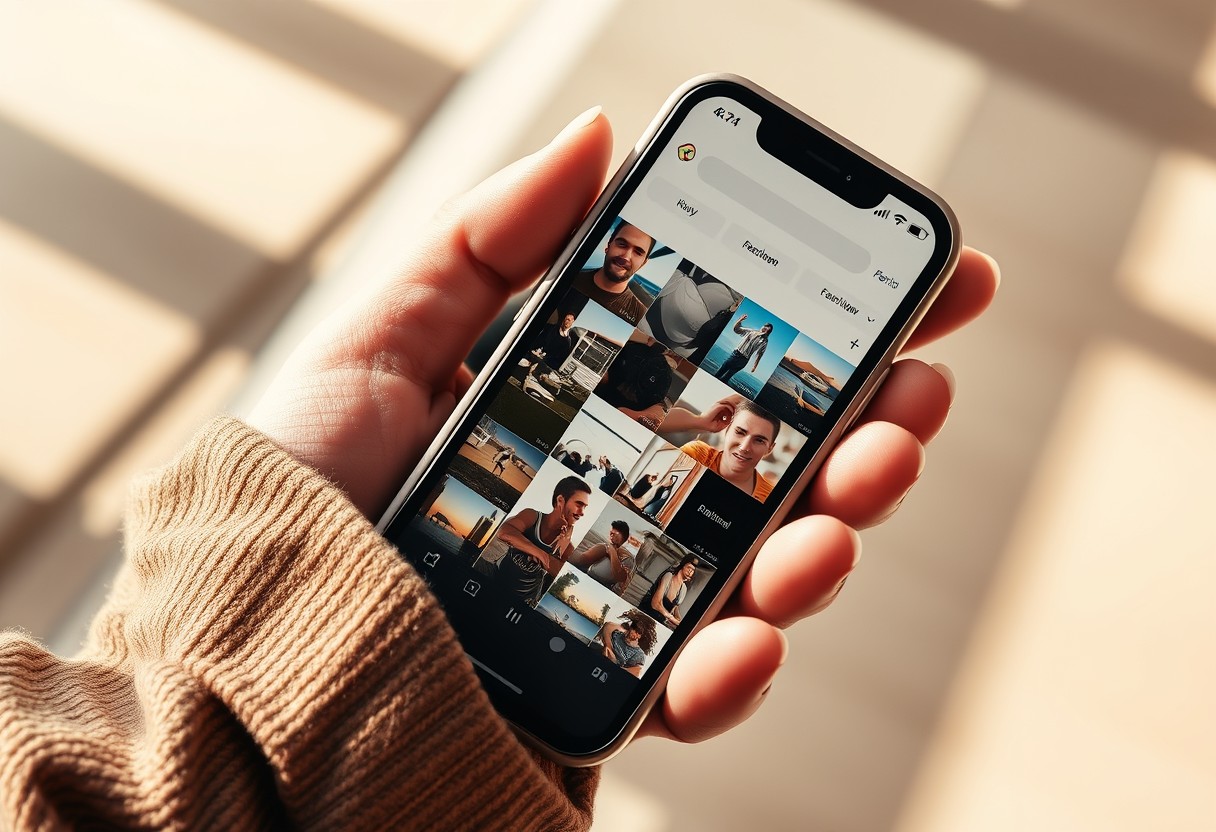
That invisibility is the whole mechanism, not an accident. Anything that grows without ever demanding your attention gets to grow indefinitely, because the part of your brain that flags "this needs handling" only fires on things that interrupt you. A silent pile never interrupts. It just waits, patiently, for the day you're searching for one specific screenshot among thousands of identical-looking ones. I see the same shape in every "quick capture" habit, not just screenshots — voice memos, saved posts, downloaded PDFs nobody reopens. The tool changes. The pattern underneath doesn't: capture now, decide never, and call the capture itself the finished action.
Why it never gets sorted on its own
Because a screenshots folder doesn't announce itself the way an overflowing inbox does. Nothing pings you about it. Nothing marks it unread. It just grows, silently, in the background of your camera roll, until scrolling past it to find an actual photo takes noticeably longer than it used to — and even then, most people register the slowdown without connecting it to the hundreds of unsorted captures sitting in the middle of it.
And because everything in there was captured for a different reason — a receipt, a joke, a phone number someone read out loud, a size chart — there's no single system that would organize all of it the same way. That variety is exactly why it never gets tackled: it doesn't feel like one task, it feels like hundreds of tiny unrelated ones, so it stays untouched indefinitely.
It also becomes the default place important things hide by accident. A screenshot of a wire transfer confirmation, a boarding pass, a photo of a prescription label — genuinely important information, captured in the same fast reflex as the meme two scrolls above it, with nothing distinguishing the two except which one you actually need again someday. The folder doesn't sort by importance. It sorts by nothing at all, which means the thing you'll actually need is exactly as hard to find as the thing you never will.
The two-minute sort
Don't try to process the backlog in one sitting — that's the version of this task that never happens. Instead, once a week, open the folder and only look at the newest ten. Ask one question per screenshot: does this need to become something else — a calendar entry, a saved contact, an actual note — or can it just be deleted now that its moment has passed? Most of them are the second thing. A funny post from three weeks ago has already done its whole job. 🗑️

The ones that do need to become something get five extra seconds — forward the confirmation number to yourself with a subject line, add the phone number to contacts, put the return deadline in the calendar — and then get deleted from the screenshots folder immediately, because their information now lives somewhere searchable instead of somewhere you'd have to scroll to rediscover.
Ten a week keeps the newest layer manageable, which is the only layer that actually matters day to day. The older backlog can wait for a rainy afternoon, or never happen at all, without costing you anything, because nothing in month-old screenshots is usually still time-sensitive.
For the genuinely important category — the wire confirmations, the ID scans, the medical information — it's worth building one habit on top of the weekly sort: move anything sensitive into an actual protected folder or note the moment you spot it, rather than waiting for its turn in the ten-a-week rotation. That's the one exception worth handling immediately, because it's also the one category where "eventually" carries real risk if the phone is ever lost, not just clutter if it's forgotten.
It also helps to notice what you screenshot instead of saving properly in the first place — a pattern, not a single incident. If you're regularly screenshotting the same kind of thing, a receipt, a schedule, a confirmation, that's a sign worth naming out loud: this business needs an actual home for that category, not a faster reflex for capturing it. The screenshot habit is a symptom. The missing home is the actual gap underneath it.
What's actually hiding in there
Here's the question worth actually answering, not just reading past: is there anything genuinely important sitting in that folder right now — a confirmation number, an ID, a wire transfer receipt — that you couldn't quickly find again if you needed it in the next five minutes? If you're not sure, that uncertainty is the real finding, more than the clutter itself.
A pile you can navigate is just visual noise. A pile you can't account for is something else entirely, and it's worth the two minutes it takes to find out honestly which one you're actually looking at.
It's worth noticing what this habit actually says about you, underneath the clutter: you're someone who moves fast enough, and handles enough at once, that a screenshot is genuinely the most efficient tool available in that exact second. That instinct isn't the problem. It's a real skill, aimed at the wrong finish line — capture instead of completion.
Redirecting it doesn't mean capturing less. It means giving each capture an actual destination afterward, so the speed that got the information in the first place doesn't get undone by a folder that never lets you find it again.
The takeaway
The folder doesn't need to be empty. It needs to stop being the place where information goes to get lost instead of used. Ten screenshots, once a week, one question each. 🤍
Want the rest of your phone looked at with the same eye? Start here: Discover