
The email says "here's the document" with a smiley face and everything. You click the link. And instead of a document you get a gray screen with a little lock on it. You need permission. Request access. 🔒
Something small and unpleasant happens in your chest. It feels like walking up to a party you were personally invited to and having the man at the door look at his clipboard, look at you and say, "I don't see you on here." You check that you're logged in. You try it on your phone. You start to wonder what you did wrong.
You didn't do anything wrong. And the person who sent it wasn't being careless or shady. You've both just run into one of the most misunderstood ideas in modern office life, and nobody ever sat either of you down and explained it. Nobody is born knowing this. So let's go.

A link is an address, not the house
Here's the whole thing in one picture. Back in the day, when you emailed somebody a file, you were handing them a copy. Like a plate from the cookout wrapped in foil — it's theirs now, it's in their hands, they can take it home.
A shared link doesn't work like that. Nothing is being handed over. The file stays right where it lives, in the owner's account, and the link is just the address of the house. Anybody can have the address. Whether the door opens when you get there is a separate question, and it's answered by a guest book.
That guest book is what "permissions" means. Every shared file has one. It says who's allowed in and what they're allowed to do once they're inside. When you click a link and get the lock, the file is simply checking for your name, not finding it and doing exactly what it was built to do. That's not the file rejecting you. That's the file keeping somebody's work from being open to any stranger who stumbles on the address.
And when you press "request access," you aren't complaining or causing a problem. You're ringing the doorbell. The owner gets a note saying you're outside, and they add you with one tap.
This is also why the same link can open for your coworker and lock for you. She isn't better at computers. Her name is in the book and yours isn't yet. And it's why a file can open fine on your work laptop and lock on your phone: on the phone you're signed in with your personal account, and the book has your work address. The door is checking who you are, and you showed up as somebody else.
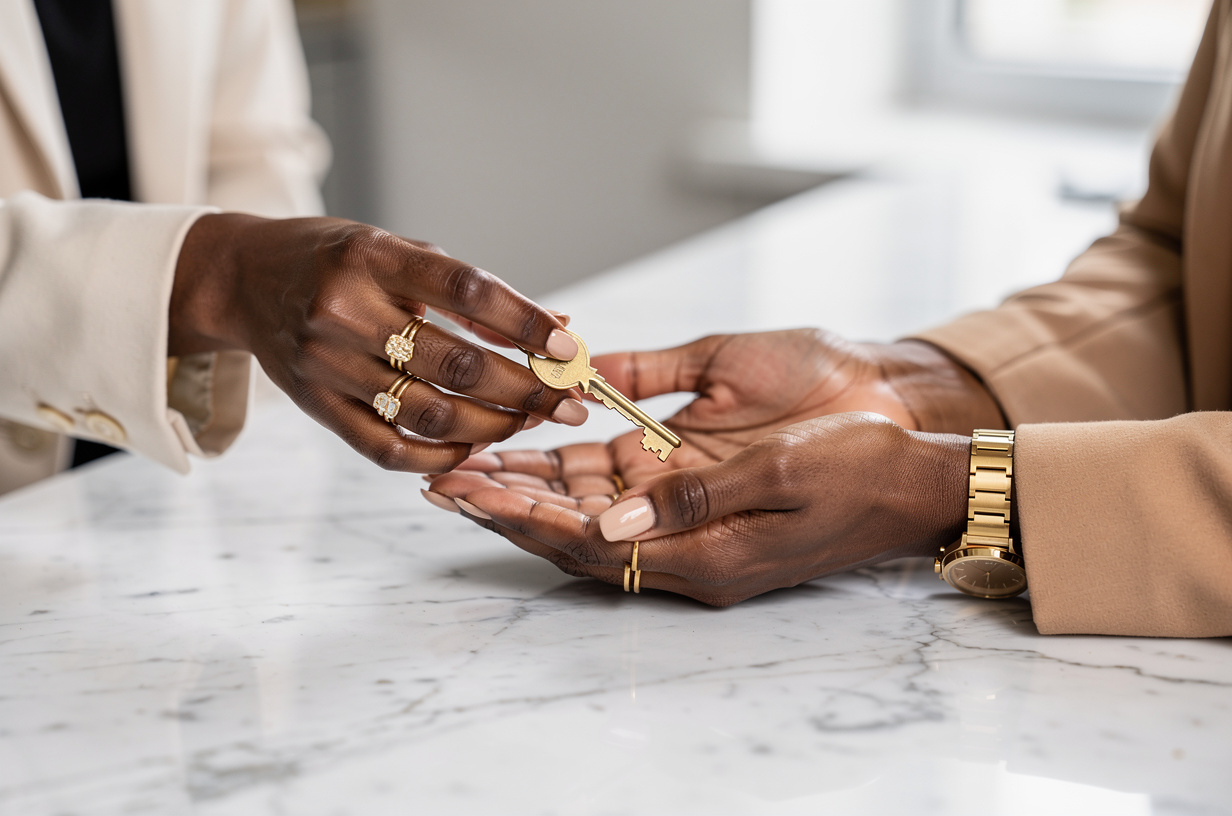
The link is the address. The permission is your name at the door. You can have one without the other.
The three things your name can mean
Once your name is in the book, there are levels to it, and they're easier than they sound. Think of somebody's home.
A viewer is a guest in the living room. You can look at everything, read every word, and you can't move the furniture. This is the right setting for most things you send — a flyer, a finished report, a menu.
A commenter can leave sticky notes. You still can't change anything, but you can say "this date looks wrong" right on the page, and the owner decides what to do about it. This is the one most people have never noticed, and it's perfect for getting feedback without handing over the pen.
An editor has a key. You can change, add and delete, same as the owner. That's the right setting for a real collaborator, and the wrong one for forty people on a sign-up sheet — which is how the church potluck sheet ends up with half its rows mysteriously gone.
I see this constantly, and I'll tell you the pattern: most sharing trouble isn't a tech failure at all. It's a person who didn't know there was a choice, so they took whatever the default was. Sometimes that default locks everybody out. Sometimes it lets everybody rearrange the furniture.
And notice what the lock does to capable people. They assume the mistake is theirs. They try three more times, quietly, before they'll send the message that says "I can't open it." Nobody wants to be the one in the thread who couldn't work the link. So a ten-second fix turns into a twenty-minute delay, and the only thing wrong was a setting neither person chose.
How to be the person whose links just work
When you're the one sharing, you get to decide who's in the book, and thirty seconds of attention will make you look like the most put-together person in the thread.
Before you send anything, press the share button and read the line that says who has access. It will usually say something like "restricted — only people added can open." If you're sending to two or three specific people, add their email addresses right there and pick viewer, commenter or editor for each. Now their names are at the door before they ever knock.
If you're sending to a whole group and it isn't sensitive — the reunion schedule, the team flyer — change that setting to "anyone with the link can view." Now the address alone is enough, and nobody needs an account or a request. Use that one on purpose, and keep it away from anything with personal or financial details in it.
One more habit that will save you: when you share with a person, the tool usually offers to send them a note. Write one line in it. "Here's the budget draft, you can comment but not edit." Now they know what they've been handed and what they're allowed to do, and nobody has to guess.
Then test your own link. Open a private browsing window, the kind where you're signed out, and paste it. Whatever you see is what they'll see. It takes ten seconds, and it's how you find the lock before forty people do.
And every few months, look at what you've shared. Somewhere in your account is a file that a contractor from two summers ago can still open and edit. Taking a name out of the book is as simple as putting it in, and it's good housekeeping, the same as getting your spare key back.
So ask yourself: of the links you've sent this year, how many did you choose the setting for — and how many did you just send and hope?
The takeaway
Next time you hit the lock, press "request access" without a flicker of embarrassment and go on with your day. The door isn't shut on you. It's just waiting on a name.
And the next time you share something, take the thirty seconds: who's in the book, and what can they do. Viewer for most things. Commenter for feedback. Editor for the people you'd hand a key. That's the whole skill, and legit, most people in your office have never been told it.
You were always invited. Somebody just forgot to tell the door. 🚪
Want the rest of your tools explained this plainly? Start here: Discover