You were doing the responsible thing. The tablet kept saying it was almost full, so you went into the photos and deleted the big album from the beach trip — you have it on your phone anyway. Then you picked up your phone. The beach trip was gone. You opened your laptop. Gone there too. Your stomach did the thing. 😳
Nothing broke. That was sync, doing exactly what it was built to do. The problem is that almost nobody explains the difference between sync and backup, so most of us assume we have the second one when we only have the first.
Let's fix that, because this is one of the few tech distinctions that can cost you something you can never get back.

Sync is a mirror
Here's the plain version. Sync keeps your devices matching. When you add a photo on your phone, it shows up on your laptop. When you edit a document on the laptop, the phone gets the new version. When you delete something on the tablet, sync makes sure it's deleted everywhere else too. Every device becomes a mirror of the others.
That's wonderful most of the time. It's why you can start a grocery list on your phone and finish it on the laptop, and why a new phone fills up with your life within an hour of signing in.
But a mirror doesn't have opinions. It copies the good and the bad with equal enthusiasm. Delete by accident, and the mirror deletes everywhere. Overwrite the good version of a file with a bad one, and the mirror overwrites it everywhere. Sync is about matching, not keeping.
It gets trickier in a family. If the household shares one photo account, a teenager clearing space on an old tablet, or a grandparent tidying up a phone they barely use, can delete pictures from everybody's devices at once without meaning to. Nobody did anything wrong. They just didn't know the tablet was a window into the whole family's memories, not a separate drawer.
Sync makes every device match. A backup makes sure something stays the same no matter what you do to the others.
A backup is the copy in your auntie's recipe box
Think about the family recipes. The sweet potato pie your grandmother made every Thanksgiving lives on a card in her handwriting. Then one year, your auntie copies it into her own box. Now there are two. If the original gets a coffee stain or goes missing in a move, the recipe survives, because your auntie's copy doesn't change when something happens to Grandma's.
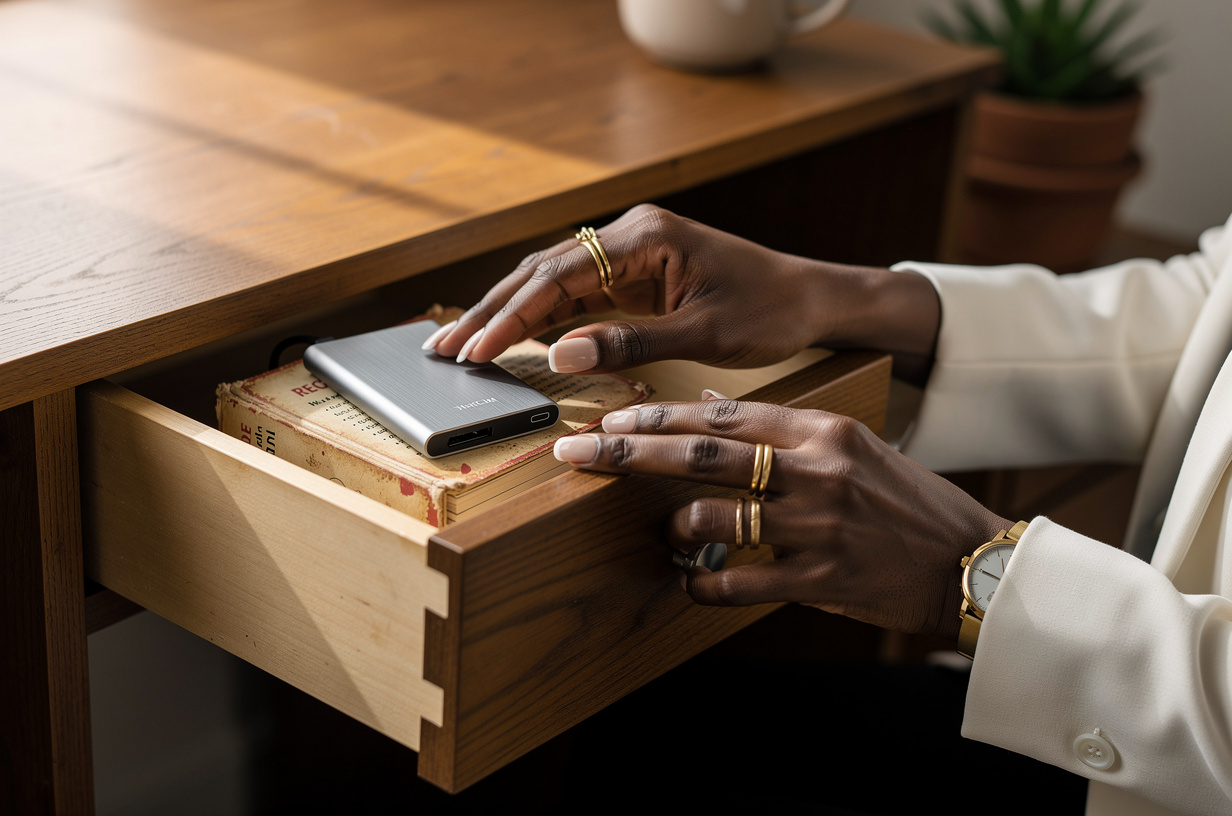
That's a backup. A separate copy, kept somewhere else, that does not automatically change when the original changes. If you delete the beach album today, a real backup still has it tomorrow, because it isn't a mirror. It's a second recipe box.
The mix-up happens because a lot of cloud services do both and use similar words for each. Your photos might be "in the cloud," and that feels like safety. But if what's in the cloud is a synced copy, the cloud will delete the album right along with you. It was never a second box. It was the same box, visible from three rooms.
I see this misunderstanding constantly, and I never treat it as a silly one. The interfaces don't help. "Backed up" and "synced" sometimes show up in the same settings screen with the same little cloud icon, and they mean opposite things in the moment that matters. You weren't careless. You were given a vague label and trusted it, the way anybody would.
There's one more risk people rarely think about: losing access to the account itself. If the only copy of your photos lives inside one account, and you get locked out — a forgotten password, an old phone number on file, an email address you no longer check — every synced device goes dark at the same time. A backup that lives outside that account is the one thing that doesn't care whether you can sign in.
So a question worth asking yourself right now: if your phone fell in the bathtub tonight, and you also accidentally deleted something on your laptop this morning, where would the second copy of your photos be?
Your safety net, in plain steps
1️⃣ Know about the recently deleted folder. Most photo and file apps don't erase things right away. They move them to a recently deleted or trash folder for a while — often around thirty days — before they're gone for good. If you just had the beach-trip moment, go look there first. Breathe. There's a good chance it's waiting for you. 🗑️
2️⃣ Find out which one you actually have. Open your phone's settings and look at the photos or cloud section. If it says your library is being kept up to date across your devices, that's sync. If it mentions a backup with a date, that's a backup. Many people find they have sync turned on and no backup at all.
3️⃣ Make one copy that doesn't follow you. A few times a year, copy your photos and important documents to something separate: a small external drive kept in a drawer, or a separate backup service that keeps old versions. The key word is separate. This copy shouldn't change when your devices change. It should just sit there, like the recipe card, keeping things exactly as they were. 💾
4️⃣ Put it on the calendar. A backup only protects what was in it on the day you made it. Pick a few dates you'll actually remember — the first of each season, or the week after every birthday in your house — and set a repeating reminder. Twenty minutes, four times a year, is a small price for never having that stomach-drop moment again. And if setting it up feels like a lot, ask the most patient techie in your family to sit with you for the first one.
If you only remember one rule, make it this: important things should exist in at least two places, and one of those places shouldn't automatically change. Your wedding photos, your children's first-day pictures, your business documents, your mother's voice in that one video. Those deserve a second box.
And the next time a device tells you it's almost full, you'll know what to do: free up space by moving things to the backup first, then deleting, instead of deleting and trusting the mirror to remember.
The takeaway
Sync is a convenience. A backup is a promise. Most of us have plenty of the first and none of the second, and the difference only shows up on the worst day.
This weekend, check which one you have, look inside your recently deleted folder so you know where it lives, and make one separate copy of the photos you'd never forgive yourself for losing. That's digital confidence: not knowing every setting, just knowing where your second recipe box is. 💅🏾