
The password protecting your bank login is the same one protecting a parenting forum you joined in 2012 to ask about a rash. You changed the number at the end once, for a job that required it, and never again after that. 🔑
You could probably name it right now, without thinking. That's not a coincidence — it's the entire reason you picked it in the first place, and the entire reason it quietly became the answer to almost every "create a password" screen you've ever been handed since.
This isn't laziness. Remembering forty different unique passwords was never actually realistic, so at some point, reasonably, you picked one good one and let it cover everything. It worked. Nothing went wrong. You logged in every day for years without incident.
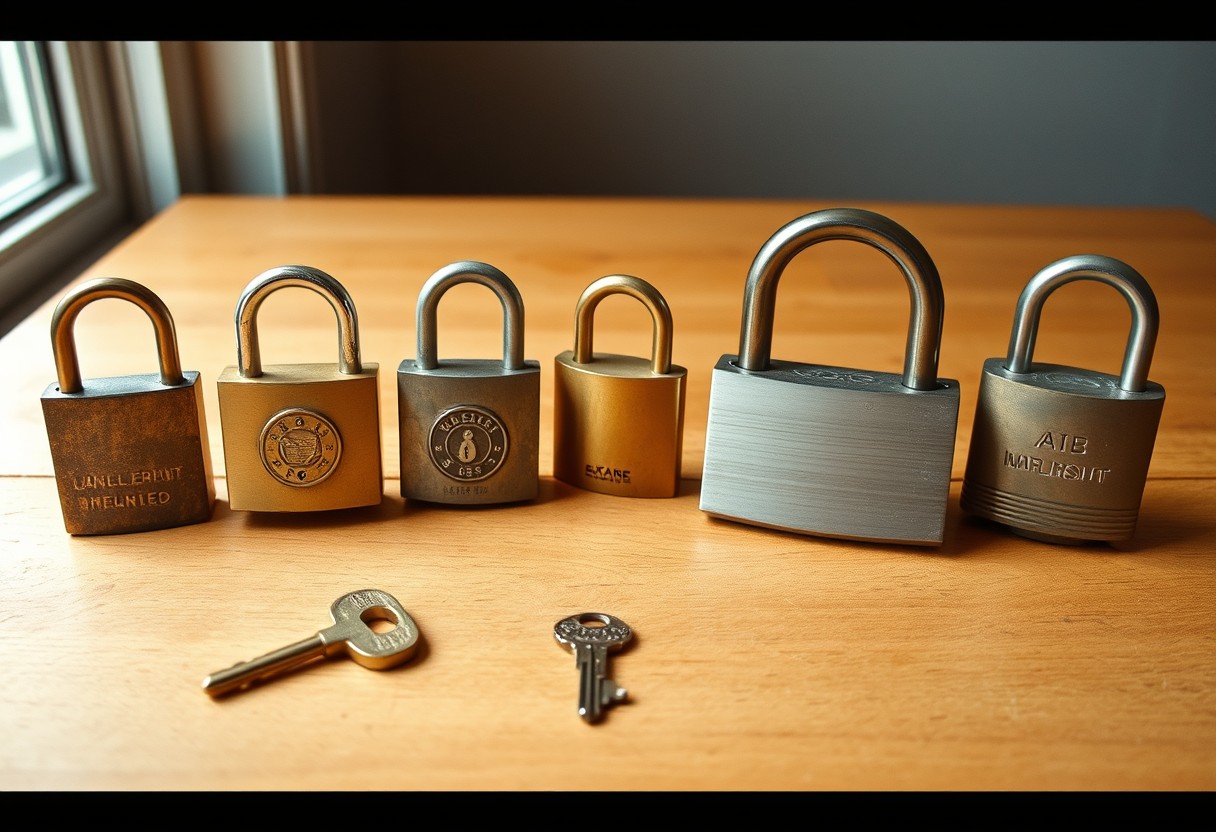
Until the parenting forum gets breached — not your bank, not anything you'd guard closely, just a small site with weak security holding a password you happened to reuse everywhere else. Now the string of characters that unlocks your money is sitting in a file somebody's already selling.
One password is not a system. It's one lock, on every door you own, and you handed a stranger the shape of the key the moment the weakest door gave out.
Why you know better and do it anyway
You already know, in the abstract, that one password everywhere is a bad idea. That was never the missing piece. The missing piece is that "know better" and "do differently" run on completely different fuel — one is information, the other requires actually stopping what you're doing to fix something that isn't currently on fire. Nothing about a password screen creates urgency until the day it's too late for urgency to help.
I see this exact gap in almost every systems review I run: the client already knew the risk. What she didn't have was a moment where the cost of fixing it felt smaller than the cost of ignoring it one more day. That's not a knowledge problem. It's a sequencing problem — and it only takes reordering once to stop repeating itself.
Why the weak site is the one that gets you
Nobody breaks into your bank directly — banks spend real money making that hard. They break into whichever small, forgettable site was cheapest to breach, and then they try that same password everywhere else you might have an account. This isn't a guess about how it could happen; it's an ordinary, automated step in how stolen passwords actually get used. The forum you forgot existed is the door they walk through to reach the one you actually care about.
It doesn't matter how strong the one password is, either. A genuinely uncrackable password reused in twelve places is exactly as vulnerable as a weak one, because the crack never happens on your strong site — it happens on somebody else's weak one, and then it walks straight through your front door wearing your own key.

And the part that actually costs you time isn't the breach itself — it's the cleanup after. Freezing a card, calling a bank, resetting a dozen accounts you can't even fully list from memory, watching your own statements for a few weeks to see what else moved. None of that is a five-minute inconvenience. It's an afternoon you didn't plan for, at minimum, spent undoing something that one reused password made possible.
The fix is not memorizing more
You do not need to memorize forty passwords. You need one thing to hold them for you — a password manager, built for exactly this, that generates a different real password for every site and remembers all of them so you don't have to. You keep one master password. It keeps the rest, and it's a smaller ask than it sounds: most set up in under ten minutes and quietly do the work in the background from then on.
You don't need to buy anything to start, either. Most phones and browsers already have a password manager built in, sitting unused in a settings menu, doing this exact job for free the moment you turn it on. The paid ones add extras — sharing logins with family, checking whether your email shows up in a known breach — but the free, built-in version alone is already a real upgrade from one password everywhere.
The one worry that stops people here is reasonable: what if I forget the one password that unlocks the rest? That's the actual design of it, not a flaw — you're trading forty passwords you half-remember for one you deliberately learn well, the same way you already know your own front door key without needing to check a list for it.
Set it up first for the accounts that would actually hurt if they went — banking, your main email, anything with a card saved to it — before circling back for the rest. You don't have to fix forty logins this weekend. You have to stop one password from being the single point of failure for the handful that matter most.
The question worth asking honestly
If your parenting-forum password and your bank password are the same word right now, here's the honest question: what would it actually cost you, this week, to find out? Not hypothetically — actually. Because the version of this that keeps people stuck isn't ignorance, it's the vague sense that checking would be worse than not knowing. It almost never is.
Most of what feels like a bigger project than it is turns out to be ten focused minutes once you actually start it. The password manager isn't the hard part. Deciding today is the whole trick, before "today" quietly becomes another six months of the same one key on every door you own.
The takeaway
You're not behind for not having done this already. Almost nobody was ever actually taught to. It's just worth doing once, this week, before a site you've never thought about decides which of your real accounts gets tested next.
Once it's set up, you stop thinking about it entirely — which is the actual point. Not a new habit to maintain, just one decision made once, quietly protecting everything downstream of it from here on.
This isn't a project to schedule for someday. It's ten minutes on one account, today, and then the same small habit repeated whenever you happen to think of it — not a weekend overhaul, just a door getting its own lock, one at a time.
Pick your bank login. Give it a password that lives nowhere else. Start there. 🤍
Want your whole setup looked at, not just the one password? Start here: Discover